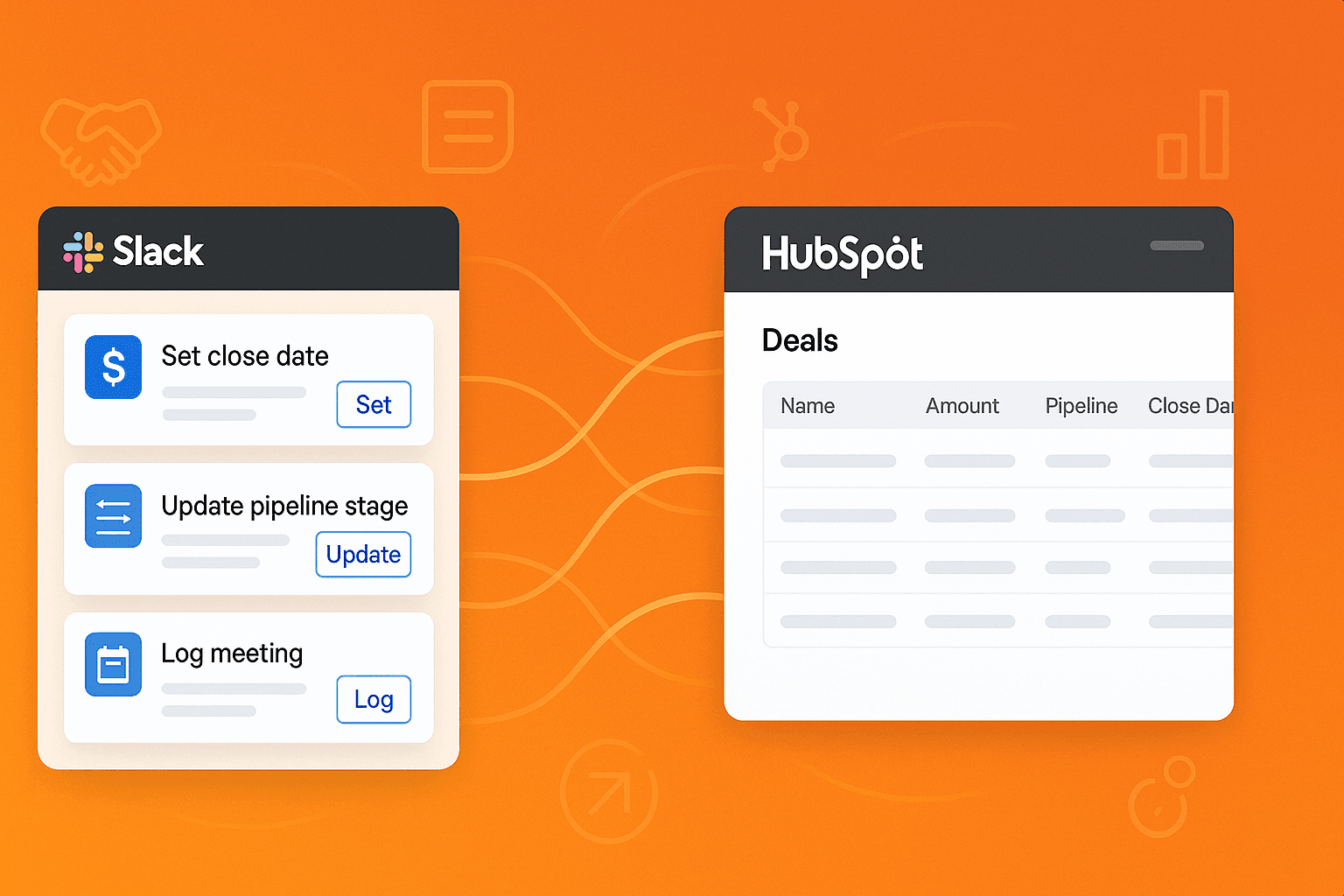
Account Executives are drowning in administrative work. Research shows that AEs spend only 34% of their time actually selling, the rest is consumed by CRM updates, pipeline reviews, meeting prep, and chasing down missing information.
The culprit? Constant context switching. Between Slack conversations with prospects, HubSpot deal updates, email follow-ups, and internal meetings, the average AE switches tools over 300 times per day. Each switch costs focus, momentum, and ultimately, deals.
But what if your CRM came to you instead of the other way around? What if you could manage your entire pipeline, update deal information, and take critical actions. All without ever leaving Slack?
That's exactly what bi-directional HubSpot Slack workflows enable. In this guide, we'll walk through 8 essential workflows that top-performing AEs use to stay on top of their deals, maintain pristine pipeline hygiene, and close more business.
What Are HubSpot Slack Workflows (And Why AEs Need Them)
Traditional HubSpot Slack integrations send notifications: "Deal stage changed" or "Meeting scheduled." You read the alert, then open HubSpot to do something about it. You're still switching contexts.
Bi-directional workflows are different. They bring your CRM data into Slack AND let you take action without ever opening HubSpot. Update deal stages, log meeting notes, fix missing data, capture competitive intel—all with button clicks in Slack.
For Account Executives managing 20-50 active deals simultaneously, this isn't just convenient. It's transformative. Here's why:
Stay in your flow: No more breaking focus to update CRM
Never miss critical moments: Actionable alerts exactly when you need them
Maintain clean data effortlessly: Update pipeline info in seconds, not minutes
Speed up deal velocity: Faster actions mean faster deal progression
The result? AEs using workflow automation report saving 8-12 hours per week on administrative tasks—time they redirect to actual selling activities.
Let's dive into the 8 workflows that make this possible.
1. Meeting Prep & Post-Meeting Capture Workflow
The AE Challenge
You're juggling back-to-back discovery calls, demos, and executive meetings. You join a call and realize you forgot to review the deal history. After the call, you're rushing to the next meeting and forget to log what happened. A week later, you can't remember what was discussed or what you promised to send.
Sound familiar? Meeting prep and documentation are critical, but they're often the first things to slip when you're busy.
How the Workflow Works
This workflow handles both sides of the meeting: preparation before and documentation after.
30 minutes before your meeting, you receive a Slack DM with everything you need:
Deal history and current stage
Recent activity (emails sent, calls made, previous meeting notes)
Key account information (company size, tech stack, pain points)
Suggested talking points based on deal stage
Links to relevant proposals or documents
The same Slack message includes action buttons that remain available after your call:
"Update Deal Stage" (dropdown selector)
"Log Meeting Notes" (text field)
"Capture Outcome" (Positive/Neutral/Negative)
"Define Next Steps" (text field + date picker)
"Create Follow-up Task" (quick task creation)
After your meeting ends, you get a gentle reminder to capture notes if you haven't already. Everything updates directly in HubSpot—no separate login required.
Real Impact for AEs
Better conversations: Walk into every call with full context
100% documentation: Never miss logging a meeting again
Faster follow-ups: Define next steps while they're fresh
Cleaner pipeline: Accurate deal stages without manual updates
One Sidekick customer reported that their AEs went from documenting 60% of meetings to 98% within two weeks of implementing this workflow—without any additional effort.
Ready to improve your meeting game? Learn more about meeting workflows →
2. Stale Deals Detection (No Activity in 15+ Days)
You're focused on deals that are active and moving. Meanwhile, 3-4 deals in your pipeline have gone completely silent. No emails, no calls, no meetings. They're technically "open," but they're really dead—you just haven't admitted it yet.
These zombie deals inflate your pipeline, make your forecast less accurate, and distract you from opportunities that are actually viable.
Every week, Sidekick scans your pipeline for deals with zero activity in the past 15 days. On Monday morning, you receive a Slack message:
"⏰ Pipeline Health Check: 5 deals have had no activity for 15+ days"
Deal name and amount
Last activity date
Days since last touch
Current deal stage
Action buttons let you take immediate steps:
"Schedule Re-engagement Call" - Creates a task and suggests email templates
"Update Next Steps" - Opens a text field to document what needs to happen
"Move to Nurture" - Changes deal stage to long-term nurture
"Mark as Closed-Lost" - Triggers the post-mortem workflow (see #4)
Reality check your pipeline: Force honest assessment of deal viability
Re-engage before it's too late: Catch deals before they're truly dead
Accurate forecasting: Remove false positives from your commit number
Better time allocation: Focus energy on deals that are actually moving
The 15-day threshold is intentional—it's long enough to avoid alert fatigue but short enough to catch deals before they're unrecoverable.
Don't let deals slip through the cracks. See how Sidekick detects stale deals →
3. Next Steps Missing Alert
Your manager asks, "What's the next step on the Acme Corp deal?" You pause. You know you need to follow up, but you haven't actually documented what that follow-up is or when it should happen.
Deals without defined next steps drift. They feel active in your mind, but there's no concrete action pulling them forward. And in pipeline reviews, "I need to follow up" isn't a real answer.
Every morning, Sidekick checks your open deals for missing or stale next steps. You receive a Slack message:
"📋 Action Required: 3 deals have no next steps defined"
Deal name and stage
Days since next steps were last updated
Quick context on recent activity
A simple form lets you fix this immediately:
Text field: "What's the next step?" (e.g., "Send pricing proposal")
Date picker: "When will this happen?" (e.g., "By Friday")
Checkbox: "Create a task for this?"
"Update Deal" button - Saves everything to HubSpot
The entire process takes 30 seconds per deal. No HubSpot tab, no searching for the deal record, no complicated forms.
Clarity on every deal: Know exactly what needs to happen next
Better pipeline reviews: Show up with real next steps, not vague promises
Improved forecast accuracy: Deals with clear next steps close at higher rates
Mental relief: Stop keeping your pipeline in your head
One sales leader told us: "This workflow alone improved our forecast accuracy by 15%. Reps couldn't BS about deals anymore—they had to articulate real next steps."
Keep your deals moving forward. Learn about next steps automation →
4. Lost Deal Post-Mortem Workflow
You just lost a deal you thought you'd win. You mark it "Closed-Lost" in HubSpot, feel frustrated for a moment, then move on to the next opportunity.
But here's what you didn't do: capture why you lost, what you could have done differently, who you were competing against, and what objections you couldn't overcome. That institutional knowledge is lost forever—along with your ability to learn from the loss.
The moment you mark a deal as "Closed-Lost" in HubSpot, you receive an immediate Slack message:
"📝 Quick Post-Mortem: Capture why you lost [Deal Name] while it's fresh"
A simple form appears in Slack:
Dropdown: Primary loss reason (price, timing, competitor, no decision, etc.)
Text field: What were the key blockers or objections?
Dropdown: Competitor who won (or "No competition")
Text field: What would you do differently next time?
Rating: How strong was buyer engagement? (1-5 stars)
Hit "Submit Post-Mortem" and everything logs to the deal record in HubSpot. The entire process takes 2 minutes while the details are still fresh in your mind.
Build institutional knowledge: Your team learns from every loss
Identify patterns: See which objections or competitors appear repeatedly
Improve your approach: Personal learning loop for each AE
Better coaching: Managers get real data on why deals are lost
Sales teams that consistently capture loss reasons improve their win rates by 10-15% within 6 months. Why? Because they identify patterns and adjust their approach.
Turn losses into learning. Set up loss reason capture →
5. Competitor Intel Capture at Proposal Stage
You're deep into a deal, about to send a proposal. Your manager asks, "Who else are they looking at?" You realize you never asked. Or you did ask, but you never logged it in HubSpot.
Without competitive intelligence, you can't position effectively. You can't analyze win/loss patterns by competitor. You can't arm your team with the right objection handling. And you definitely can't explain to leadership why you're winning or losing against specific vendors.
When a deal reaches "Proposal" or "Negotiation" stage without a competitor documented, you receive a Slack alert:
"🎯 Competitor Check: Who are you competing against on [Deal Name]?"
Multi-select dropdown: Choose from your common competitors
Text field: Add competitive notes or positioning insights
"No Competition" button: If it's truly uncontested (requires confirmation)
"Add Competitor" button: If they mention someone not in your list
This forces a discipline: before you send a proposal, you must document the competitive landscape. It takes 30 seconds but dramatically improves your intelligence gathering.
Better positioning: Tailor your proposal based on who you're competing against
Pattern recognition: Identify which competitors you win/lose against most
Improved messaging: Sales enablement can create competitor-specific battle cards
Honest assessment: "No competition" deals close at different rates than competitive ones
One company discovered they lost 80% of deals against a specific competitor they didn't take seriously. They adjusted their positioning and improved their win rate from 20% to 45% in those competitive situations.
Know your competition. Track competitor intel with Sidekick →
6. Missing Critical Deal Properties (Weekly)
It's Monday morning pipeline review. Your manager asks about your forecast. You open HubSpot and realize half your deals are missing close dates. Some have no dollar amounts. A few don't have a forecast category assigned.
You scramble to fill in the blanks before the meeting. But this happens every week. Why? Because updating these fields feels like busywork when you're in the middle of actually selling.
Every Monday at 8 AM, Sidekick scans your pipeline and sends you a Slack message:
"📊 Pipeline Hygiene: 4 deals are missing critical forecast data"
For each deal, you see exactly what's missing:
❌ Close Date
❌ Deal Amount
✅ Forecast Category (already filled)
Quick-fill buttons let you fix everything in Slack:
Date picker for Close Date
Number input for Deal Amount
Dropdown for Forecast Category (Commit / Best Case / Pipeline / Omitted)
You can clean up your entire pipeline in 3-5 minutes, all from Slack, before your pipeline review even starts.
Stress-free pipeline reviews: Show up with complete data every time
Accurate forecasting: Your manager can actually trust your numbers
Better planning: You're forced to think through close dates and amounts
Professional credibility: No more scrambling to fill in blanks during meetings
This is the workflow AEs tell us they didn't know they needed, until they had it. One rep said: "I used to spend 30 minutes every Monday fixing my pipeline. Now it takes 3 minutes in Slack while I'm getting coffee."
Keep your pipeline clean effortlessly. Learn about data hygiene workflows →
7. Close Dates in the Past – Friday Cleanup
It's Friday afternoon. You glance at your pipeline and notice a deal with a close date of "November 15" sitting in "Proposal Sent." It's December 20. That deal is a month overdue.
Deals with expired close dates are pipeline bloaters. They make your forecast look bigger than it is. They give false hope to leadership. And they prevent you from having honest conversations about which deals are really going to close this quarter.
Every Friday at 3 PM, you receive a Slack message:
"🧹 Weekend Cleanup: 3 deals have close dates in the past"
For each overdue deal, you see:
Deal name and amount
Original close date and how many days overdue
Current deal stage
Last activity
Quick action buttons let you resolve each one:
"Push +30 Days" - Moves close date forward one month
"Push to Q1 2025" - Moves to next quarter
Custom date picker - Choose any specific date
"Mark as Closed-Lost" - Be honest if it's dead (triggers post-mortem)
Text field - Add a note explaining the delay
The Friday timing is intentional. It's a natural reflection point before the weekend, and it ensures you start Monday with a clean, realistic pipeline.
Honest pipeline: No more deals lingering with fantasy close dates
Better forecasts: Your commit number reflects reality
Productive conversations: Have real talks with prospects about timing
Clean Monday starts: Begin each week with an accurate view of what's closing
Sales leaders love this workflow because it forces pipeline discipline without requiring micromanagement. One VP of Sales told us: "Our forecast accuracy improved 25% just from making reps push or close old deals every Friday."
Clean up your pipeline every Friday. Set up automatic hygiene alerts →
8. New Leads with No Outreach Yet (Weekly)
You're an enterprise AE. Marketing sends you a qualified lead from a target account. You assign it to yourself with the intention of reaching out "later today." But you're in back-to-back meetings. Later today becomes tomorrow. Tomorrow becomes next week.
A month later, the lead has gone cold. Or worse, they've engaged with a competitor because you never followed up.
Even experienced AEs let leads slip when they're focused on closing deals this quarter. You need a system that doesn't let this happen.
Every Monday at 9 AM, you receive a Slack message:
"📬 Follow-up Required: You have 6 new leads from last week with no outreach yet"
Contact name and company
When they were assigned to you (days ago)
Lead source and any qualification notes
Their engagement signals (forms filled, pages visited)
Action buttons help you take immediate steps:
"Send First Email" - Opens pre-built template or sends from Slack
"Mark as Contacted" - If you already reached out but forgot to log it
"Schedule Discovery Call" - Creates a task and sends meeting link
"View Lead in HubSpot" - Direct link for more complex situations
This creates accountability. You can't claim you "didn't see the lead" or "forgot to follow up." Every Monday, you're reminded of who needs attention.
Zero leads fall through cracks: 100% follow-through on assignments
Faster response times: Act while leads are still warm
Better conversion rates: Speed to lead contact is the #1 predictor of conversion
Accountability: Your manager can see that you're taking action
One enterprise AE told us: "I used to lose 2-3 inbound leads per month just from being busy. This workflow eliminated that completely. I haven't missed a follow-up in 6 months."
Never miss a new lead again. Set up lead follow-up reminders →
Getting Started: Which Workflows Should You Implement First?
You don't need to implement all 8 workflows at once. Start with the 2-3 that address your biggest pain points:
If your biggest challenge is pipeline accuracy and forecasting:
Missing Critical Deal Properties (#6)
Close Dates in the Past (#7)
Stale Deals Detection (#2)
If your biggest challenge is deal velocity and momentum:
Next Steps Missing Alert (#3)
Meeting Prep & Post-Meeting Capture (#1)
Stale Deals Detection (#2)
If your biggest challenge is learning and improvement:
Lost Deal Post-Mortem (#4)
Competitor Intel Capture (#5)
Next Steps Missing Alert (#3)
If you're overwhelmed and just need to stay on top of basics:
Meeting Prep & Post-Meeting Capture (#1)
New Leads with No Outreach (#8)
Missing Critical Deal Properties (#6)
The beautiful thing about workflow automation is that it compounds. Each workflow you add makes your day a little easier, your pipeline a little cleaner, and your deals a little more likely to close.
The Bottom Line: Work Smarter, Not Harder
Account Executives didn't sign up to be data entry specialists. You became an AE to build relationships, solve problems, and close deals.
These 8 workflows give you that time back. They eliminate the context switching, the forgotten follow-ups, the scrambling before pipeline reviews, and the missing data that makes forecasting impossible.
The result? You spend less time managing your CRM and more time doing what you do best: selling.
Ready to transform how you work?
For a full overview of all the ways to connect HubSpot and Slack, including native setup, Zapier, and two-way tools, see the HubSpot Slack Integration: The Complete Guide.